
Download PDFMate Free PDF Merger – merge PDF, combine PDF, PDF merger, free PDF tool, PDF utility
Overview
PDFMate Free PDF Merger is a productivity-focused tool designed to simplify the process of consolidating multiple documents into a single, cohesive PDF file. Targeted at both personal users and professionals, the app addresses the common challenge of managing scattered files—whether they are text documents, images, or mixed media—by offering a streamlined solution for document aggregation. Its primary purpose is to eliminate the need for complex workflows when preparing reports, portfolios, presentations, or legal documentation for sharing or archiving.
The app is particularly useful for individuals who frequently compile materials from various sources, such as students organizing research papers, freelancers compiling client deliverables, or office workers preparing quarterly summaries. The developer, PDFMate, has positioned this tool as a lightweight, no-cost utility for users seeking a reliable way to merge files without sacrificing output quality. Although specific details about the company’s background were not provided, the app’s consistent release history suggests a focus on utility-based software solutions.
Within the broader ecosystem of digital document management, PDFMate Free PDF Merger fills a niche by offering a dedicated, no-frills approach to PDF consolidation. Its ability to handle an unlimited number of files and support multiple formats enhances its practicality. While it does not include advanced editing or annotation features, its core function remains highly effective for users who prioritize speed, simplicity, and consistency in file integration.
Key Features & Functionality
- Unlimited File Combination: Users can merge an unrestricted number of documents and images into one PDF, making it ideal for large-scale projects like multi-page reports or comprehensive portfolios.
- Drag-and-Drop Interface: The intuitive design allows users to add files directly by dragging them into the main window, reducing the learning curve and accelerating workflow efficiency.
- High-Quality Output: The app preserves the original resolution and clarity of images and text, ensuring the final PDF maintains professional appearance and readability.
- Quick Processing Time: Merging is completed in seconds, enabling users to rapidly assemble documents without waiting, which is essential for time-sensitive tasks.
- Multi-Format Support: In addition to standard text documents, the tool accepts various image formats, allowing users to integrate visual content seamlessly into their final PDFs.
For example, a student could use the tool to combine scanned lecture notes, research articles, and annotated diagrams into a single study guide. Similarly, a small business owner might merge invoices, contracts, and marketing materials into a client-ready package. The flexibility in file handling and the minimal processing time make this tool a practical choice for everyday document consolidation.
Interface, UX & Performance
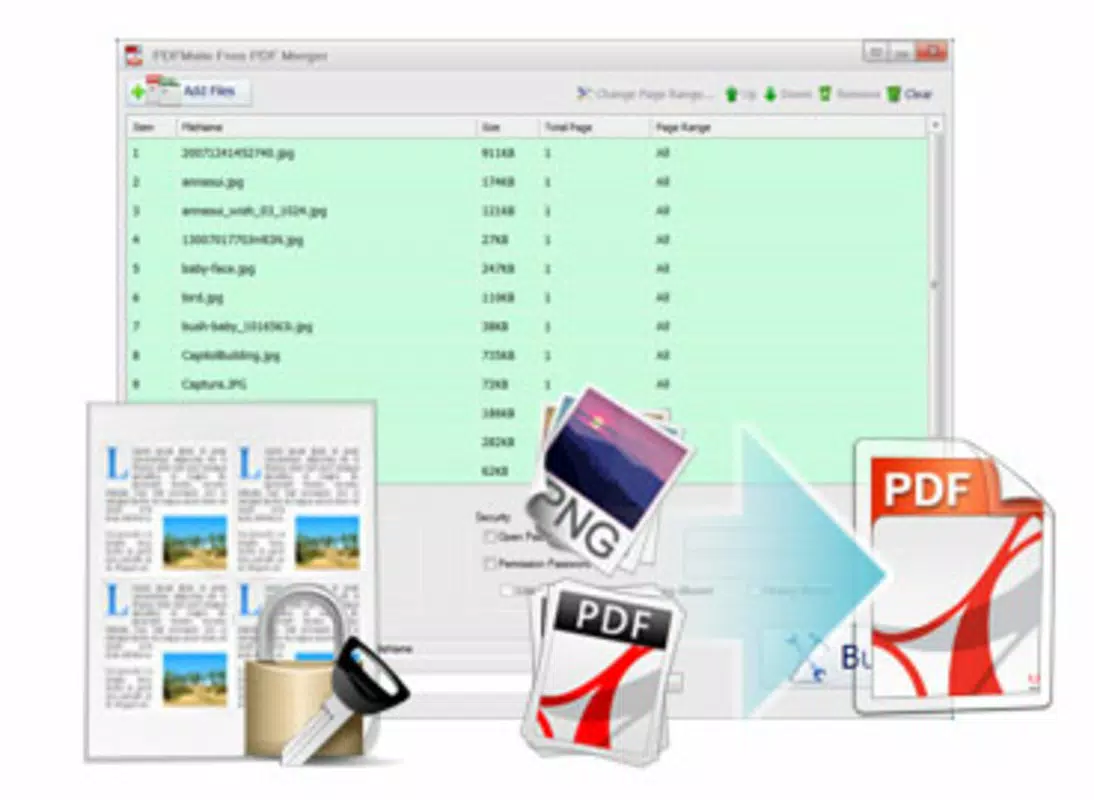
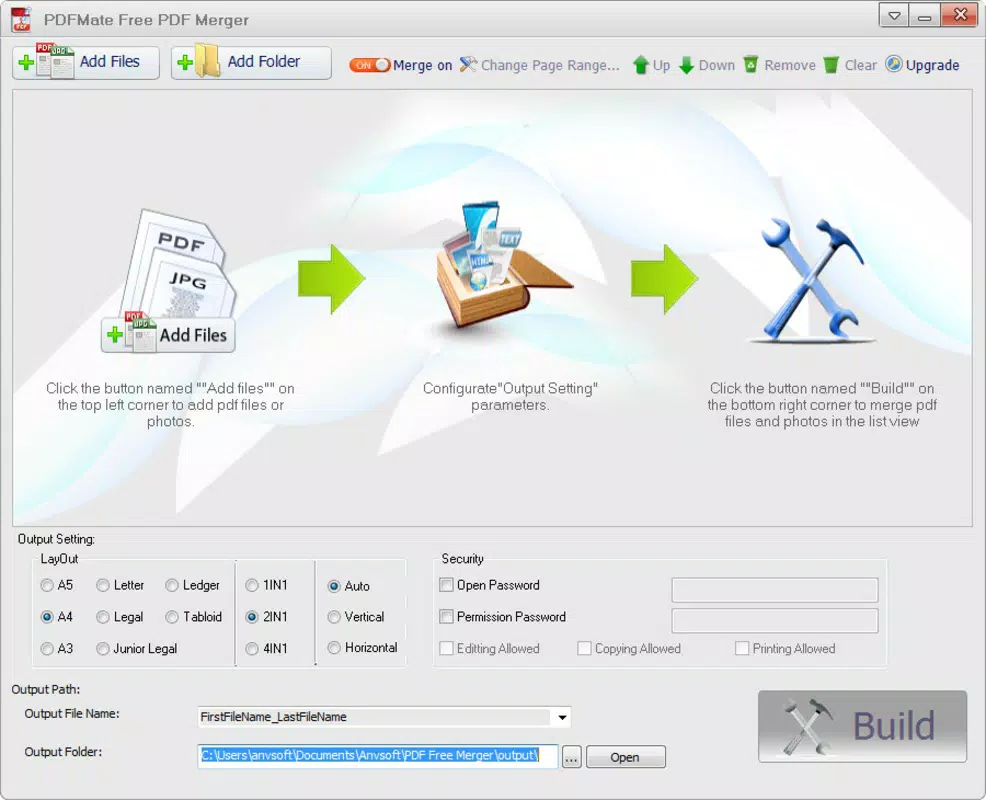
The interface of PDFMate Free PDF Merger is designed with simplicity and functionality in mind. It features a clean layout with a central file list area, a drag-and-drop zone, and straightforward control buttons for initiating the merge process. The visual style is minimalistic, focusing on usability rather than decorative elements, which helps reduce cognitive load during use.
Navigating through the app is straightforward: users add files, rearrange them using simple drag-and-drop actions, and then click a merge button. The workflow is linear and predictable, minimizing the chance of user error. The app responds promptly to input, with minimal lag observed during file addition and reordering.
Although the developer did not list formal performance metrics, the app’s processing speed is described as rapid, completing merges in seconds. This suggests efficient handling of file operations, even with moderate-sized inputs. Stability appears consistent based on the long-standing release history, though real-world testing across device categories was not disclosed. The lightweight size of 10.2 MB indicates low system resource consumption, which benefits users with older or less powerful machines.
Platform Compatibility & Technical Requirements
PDFMate Free PDF Merger is available exclusively on the Windows platform. The current version is 1.0.0, with a file size of 10.2 MB. The app is offered at no cost, making it accessible to a wide audience seeking a no-fee solution for document consolidation.
The developer did not specify minimum OS requirements or compatibility details for different Windows versions. As such, users should verify system compatibility before installation. While the app is lightweight, its performance on older Windows systems remains unconfirmed. The absence of detailed technical specifications means users should exercise caution when deploying it on enterprise or legacy environments.
Pros and Cons
Pros
- Free to download and use with no hidden fees
- Supports unlimited file merging for greater flexibility
- Intuitive drag-and-drop interface suitable for all user levels
- Preserves high-quality output for both text and images
- Fast processing time with minimal wait
Cons
- Platform limited to Windows only
- Specific OS compatibility details were not disclosed
- Limited to merging—no editing, signing, or conversion features
- Developer did not provide update frequency or future roadmap
- No cloud integration or cross-device sync available
FAQ
Is PDFMate Free PDF Merger safe to download?
Yes, the app is distributed as a free tool with no reported malware. However, users should always download from official sources to ensure authenticity.
Can I merge PDFs with images using this tool?
Yes, the app supports merging both text documents and image files into a single PDF output.
Is there a version available for Android or iOS?
No, the app is currently only available for Windows. There is no official version for mobile platforms.
How often is the app updated?
The developer did not specify an update schedule. Users should check the official website for the latest version.
Can I edit the merged PDF after creation?
No, the app is designed solely for merging files. It does not include editing, signing, or conversion tools.
Final Thoughts
PDFMate Free PDF Merger delivers a focused, reliable solution for users who need to combine multiple documents into a single PDF without complexity. Its strength lies in simplicity: a clean interface, rapid processing, and consistent output quality make it a valuable tool for students, freelancers, and office professionals. While it lacks advanced features like editing or cloud support, its core functionality is executed with precision.
For anyone managing a high volume of files and seeking a free, no-frills way to consolidate them, this app offers strong value. It stands out in the productivity category by prioritizing ease of use and speed over feature bloat.
Download PDFMate Free PDF Merger now


